When you purchase through links on our site, we may earn an affiliate commission. Here’s how it works.
12 Best Torrent Clients for Mac in 2026
The only way to download torrents on your Mac is through a torrent client, which doesn't come bundled with macOS. There are plenty of options, and they're all different. That said, you'll want to avoid buggy software and malicious applications, as well as inspect your options very carefully.
Your chosen torrent downloader for Mac should have an easy-to-understand interface and plenty of useful features, such as scheduled downloads, proxy integration, the ability to search files, and more. Also, keep in mind that you'll want to safeguard your privacy and hide your P2P data.
If you’re serious about safe and efficient torrenting, it’s essential to pair your torrent client with a VPN. The best VPNs for torrenting not only encrypt your traffic and protect your identity but also unblock restricted torrent sites, prevent data leaks, and help you avoid ISP throttling for smoother downloads.
In this guide, we'll show you the 12 best torrent clients for Mac, as well as how to use one safely to download torrents. Then, we'll explain the importance of using a VPN and how to find the best client based on your needs. We'll also answer some useful FAQs.
Keynotes (TL;DR)
- Risks: Torrent clients vary widely in safety, features, and compatibility. Choosing outdated or ad-supported apps can expose you to privacy threats, malware, or a sluggish experience. Some lack proper encryption or macOS support, putting your system and data at risk.
- Solution: Use a lightweight, ad-free, and privacy-focused torrent client that supports macOS and is actively maintained. Pair it with a reliable VPN like NordVPN to encrypt your traffic, hide your IP, and avoid ISP throttling or legal issues.
- Best Torrent Clients for Mac 2025: Transmission leads with its clean, ad-free, Apple Silicon-native design. qBittorrent is best for power users needing advanced features. Motrix and WebTorrent offer sleek, minimalist UIs, while WizTorrent blends video streaming and customization.
The Best Torrent Clients for Mac in 2026
We're here to talk about the best options only, which means that you should meet specific criteria. The most important thing is to use a torrent program with native support for macOS (especially if you use an M-series chip). Then, think about whether you want simple (great for first-timers) or complex (great for advanced users) torrent software.
There should also be support for P2P-specific features, such as magnet links, which are usually quicker to download than traditional torrent files. Needless to say, your chosen torrent client should be malware-free. You'll also want one without overly aggressive ads. P2P clients that rely on ads for revenue also come with bundled software, exploiting your privacy along the way.
Based on the criteria explained above, these are the 12 best Mac torrent downloaders in 2026:
- Transmission - Best Torrent Software for Mac in 2026
- uTorrent Web - Best Web-Based Torrent Downloader
- qBittorrent - Most Advanced Torrent Client
- BitTorrent Web - Best Streaming-Friendly Mac Torrent Client
- Motrix - Best Torrent Client for Minimalists
- Folx - Best Beginner-Friendly Mac Torrent Program
- WebTorrent Desktop - Best One-Click Mac Torrent Client
- WizTorrent - Best Torrent Client with Support for Video Codecs
- BiglyBT - Best Torrent Client with P2P Social Features
- Deluge - Best Old-School Torrent Downloader for Mac
- Vuze - Best Torrent Client with Built-In Search
- BitLord - Best Torrent Client with RSS Support
1. Transmission
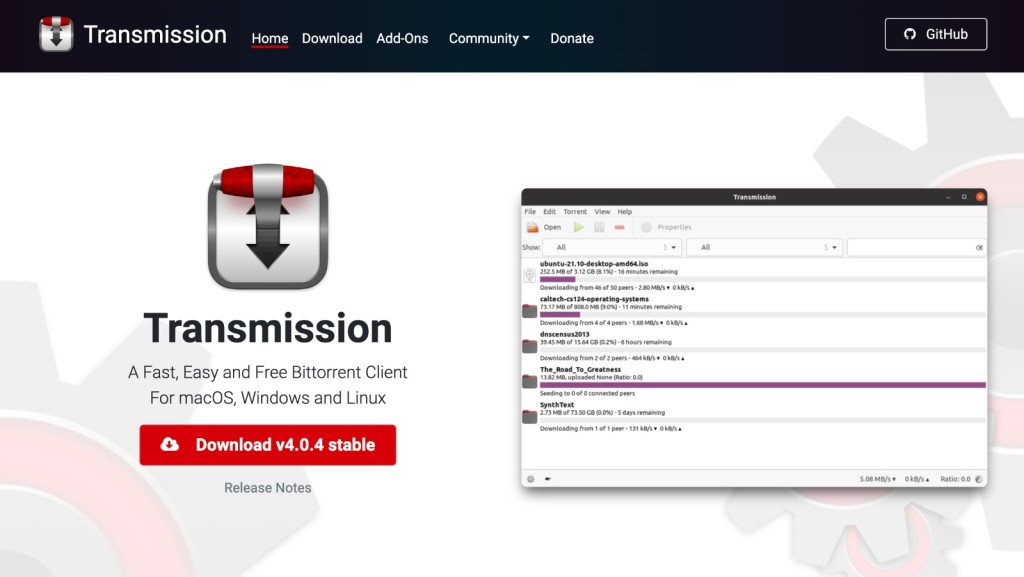
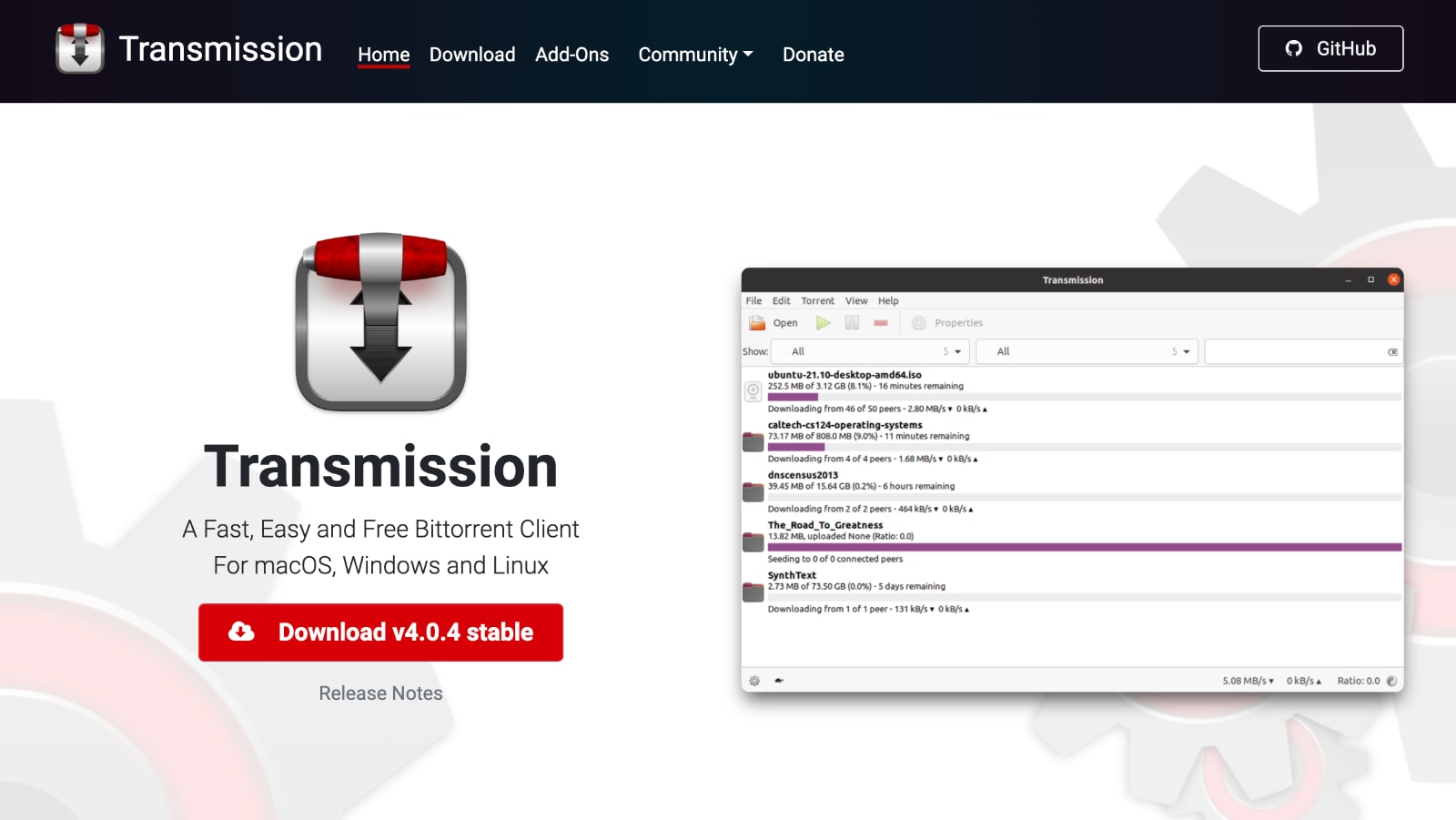
Transmission takes the top spot as the best torrent client for Mac. As you can imagine, there are many reasons for that. First, this is an incredibly simple application that does its job without much input. Add a torrent file, and Transmission will take it from there. Incredibly simple, right?
However, Transmission’s simplicity is also its weakness. We know there are a lot of power users out there who like to have complete and in-depth control. Even though Transmission offers some advanced features, they are well hidden. Those are related to privacy protection, tracker editing, full peer communication, and more.
Therefore, we’d like to recommend this BitTorrent client if you're after something simple and well-integrated with macOS. You can count on interactive notifications and smart usage of system resources. And, of course, you won't encounter any ads.
PROS
- Lightweight application.
- Speedy and stable downloads.
- Free of charge and ad-free.
- Apple Silicon native.
CONS
- Lacks in-depth customization.
2. uTorrent Web
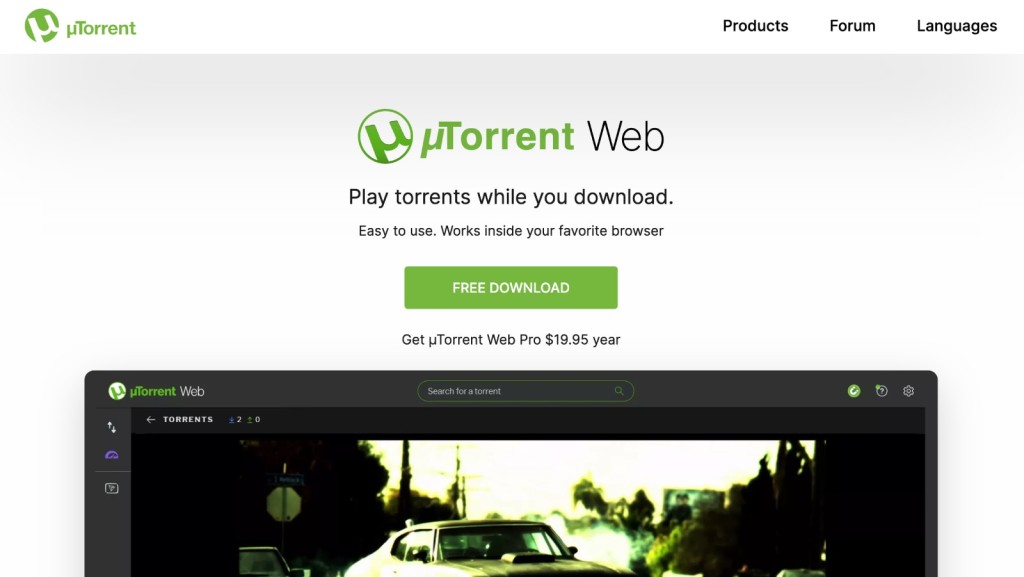
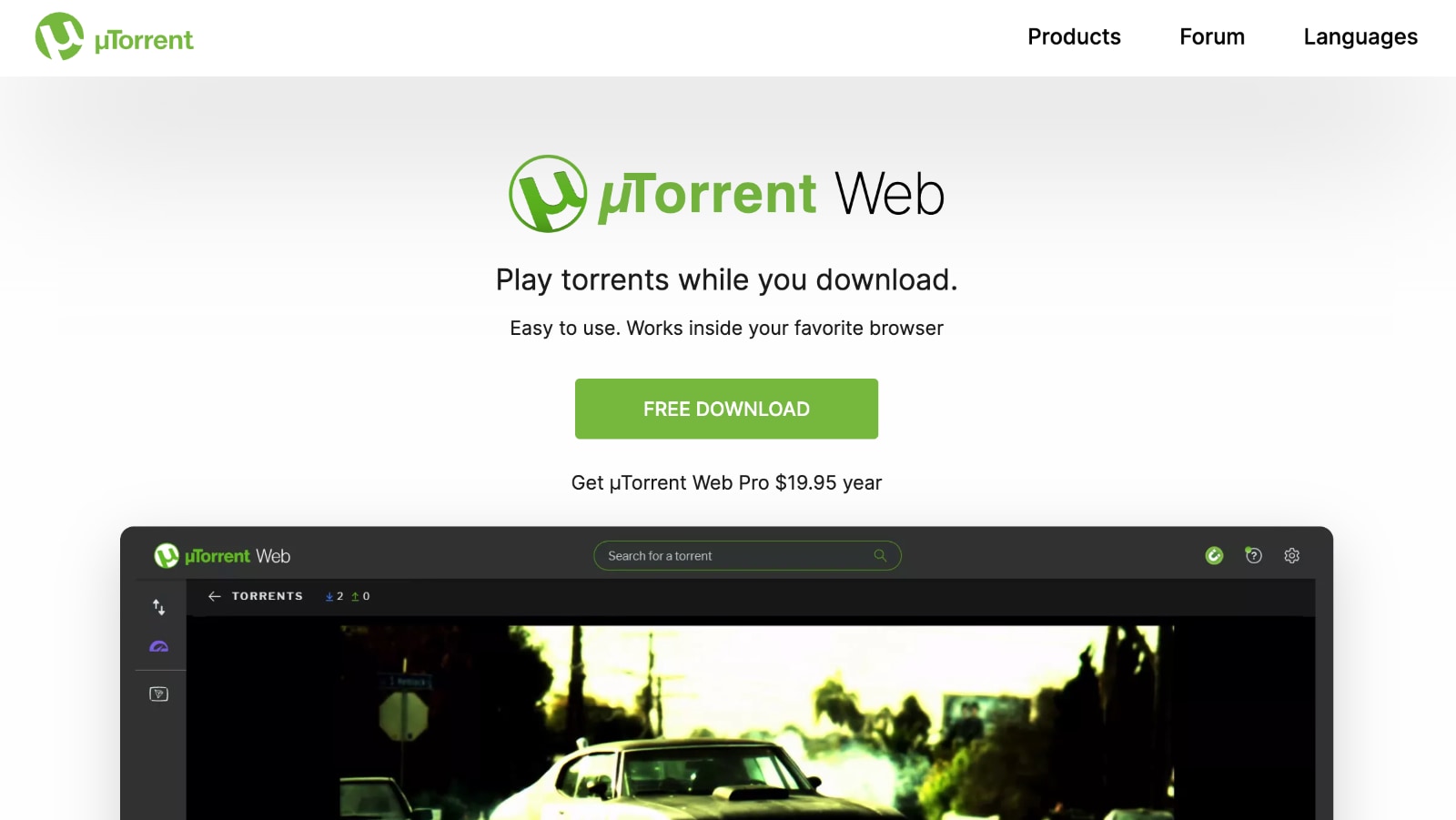
We're sure that seasoned P2P users know all about uTorrent. As its name says (you read it as - micro torrent), this is a very lightweight application that takes up little of your system resources. In turn, it provides plenty of interesting features, including some highly advanced ones.
If you're running macOS Catalina or newer, know that you can't use uTorrent Classic anymore. However, you'll get to use uTorrent Web, which, upon its installation, will be a part of your Web browser. However, you can use it to download any torrent and stream media files, which is something that wasn't available in the past. So, very simple yet effective.
PROS
- Reputable torrent downloader.
- Fully automated P2P downloads.
- Video streaming is supported.
- Allows sequential downloads.
CONS
- Browser-based Mac app.
3. qBittorrent
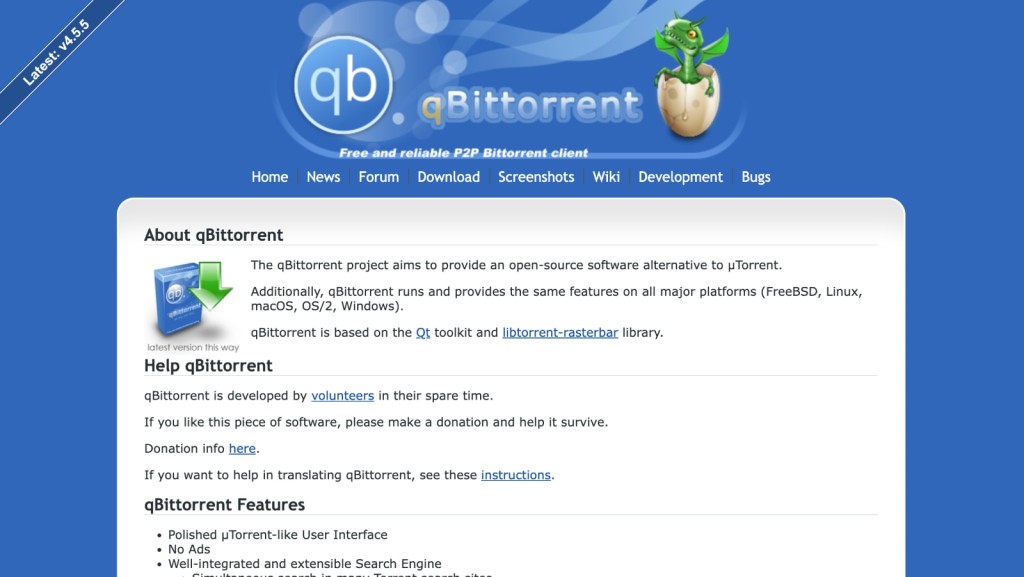
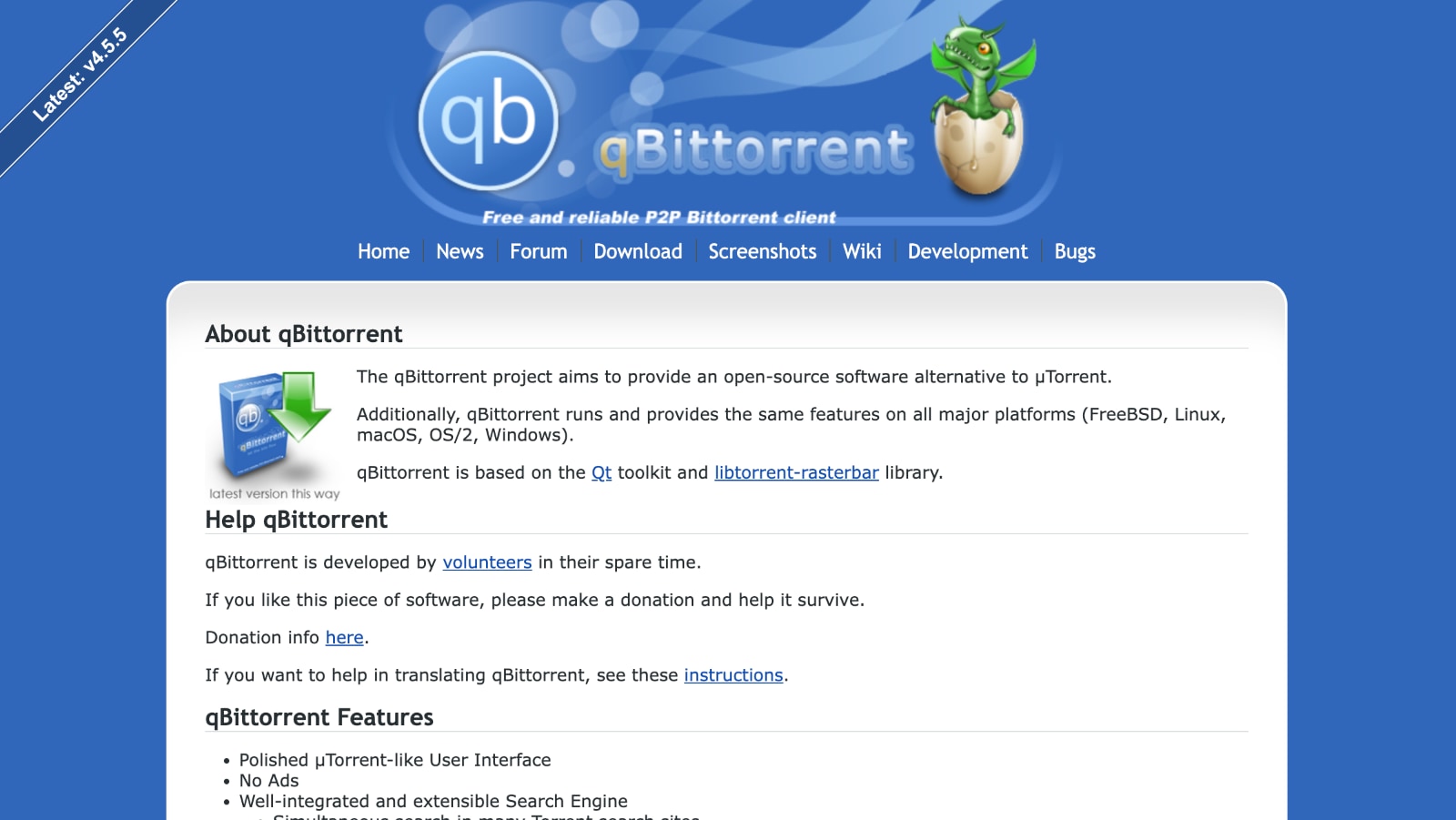
After recommending something simple, let’s take a look at the other end of the spectrum. A torrent client named qBittorrent provides plenty of additional features made for power users. The perfect user of this software is someone who handles a large number of torrents and wants complete control.
The current UI of qBittorrent isn’t the most intuitively designed and doesn't receive updates often. However, this torrent downloader has come a long way since its early, hectic days.
There’s a large toolbar at the top, which brings the standard set of controls. Then, there’s a detailed sidebar that helps you organize torrents. Finally, the bottom-placed toolbar can be used to perform advanced operations. All in all, we are more than sure that power users are going to love qBittorrent.
PROS
- Integrated search engine.
- Open-source software.
- Supports encrypted connections.
- Available in many languages.
CONS
- Outdated user interface.
4. BitTorrent Web


We mustn’t forget to mention the original BitTorrent client, which is still one of the best torrent apps. It has everything from a straightforward interface to the ability to search for torrents online. And as many of you already know, macOS users now get to use a next-generation BitTorrent client - its 'Web' edition.
In case you decide to try BitTorrent Web, you will see this is a Web-based application. You install it just like any torrent client, but it runs in your Web browser. You'll get to download any torrent for Mac, search files, stream media, and plenty more. All in all, this is definitely one of the most capable P2P clients for macOS - despite its recent transition to the Web.
PROS
- Streamlined user interface.
- Suitable for first-time users.
- Excellent performance.
- Steam torrent files while downloading.
CONS
- Shows ads sometimes.
5. Motrix
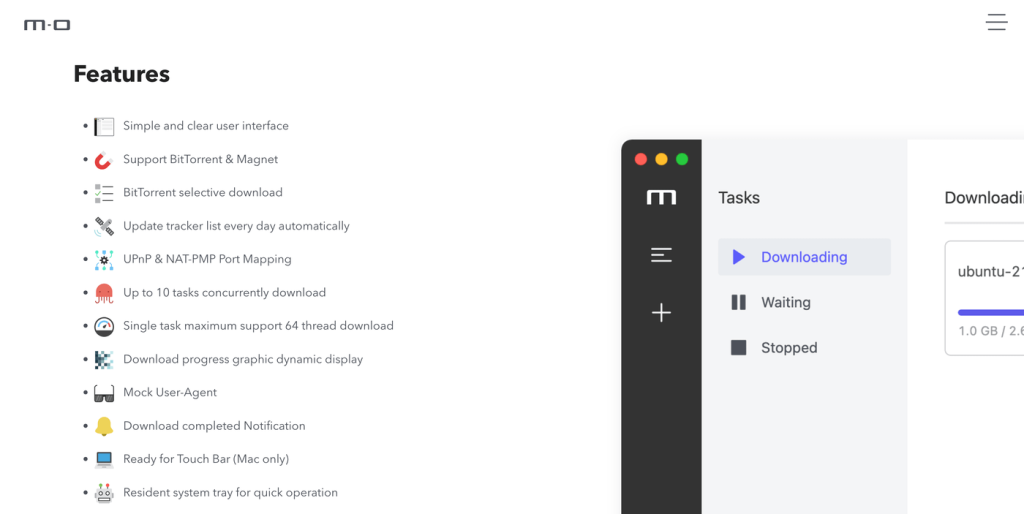
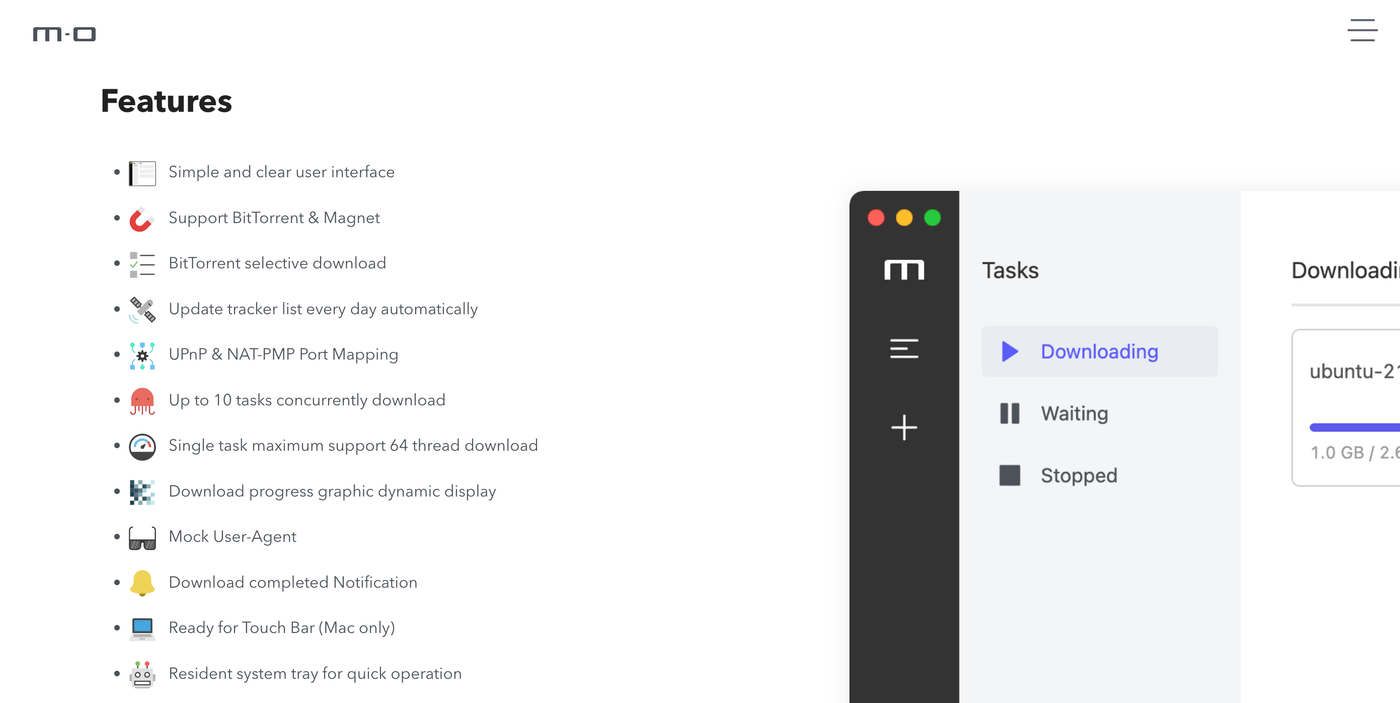
Matrix is a minimalist app for downloading all kinds of files, including BitTorrent and Magnet files. This app is available on a wide range of platforms and also includes full support for macOS. It has a modern-looking UI, selective downloads, up to 10 simultaneous download tasks, and even support for specific Macs' Touch Bar.
It's true that Motrix isn't the most feature-rich torrent client out there. However, this app is a great choice if you need something simple and good-looking. On top of that, it seems well-optimized and won't take too many of your computer's resources. Aside from that, Motrix is under active development, so you can count on new features in the future.
Lastly, we'll note that Motrix is available free of charge. Furthermore, the app doesn't display any ads, and it doesn't contain bundled software.
PROS
- Minimalist user interface.
- Extra-simple torrent client.
- Optimize for Intel and M-based Macs.
- Up to 10 simultaneous downloads.
CONS
- Missing advanced features.
6. Folx
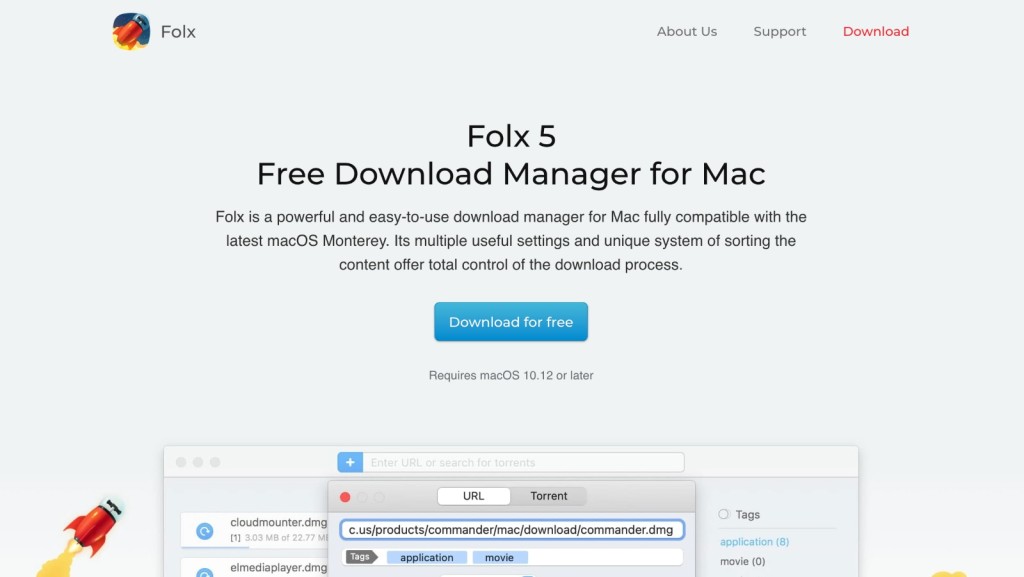
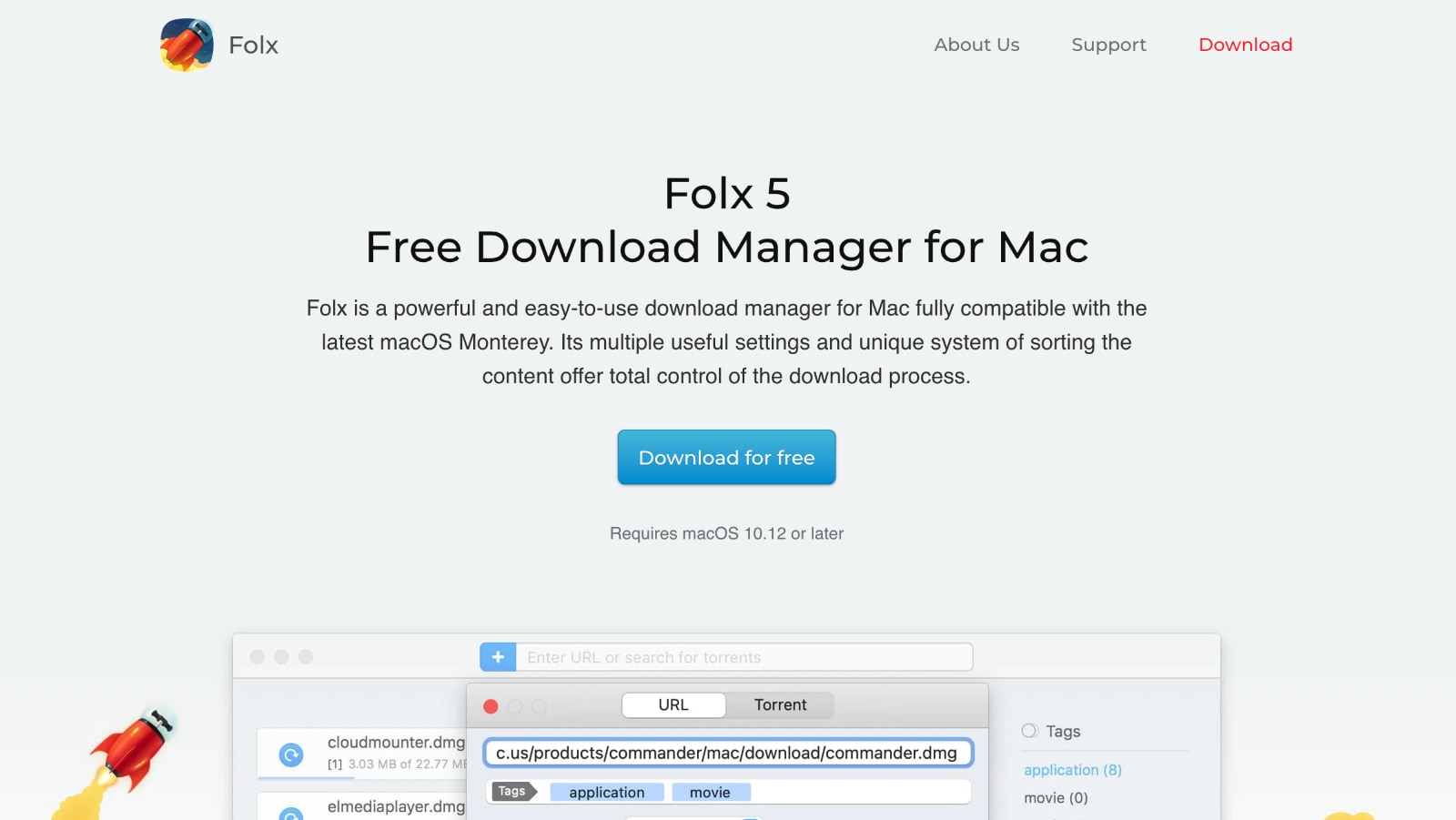
Next on our list is Folx. This download manager also handles torrents easily. As such, it acts as the central place for all your downloads.
First, you need to know that Folx has a highly polished interface. You can start by using the built-in search tool. The application will display an extensive list of results, so you can begin downloading files in an instant. You can also add torrents manually.
However, it’s also worth knowing that Folx PRO brings a few unique features. It can split downloads into two threads for faster downloads. In addition, it can automatically resume interrupted downloads, which can be a real lifesaver at times. Finally, Folx can be used to download videos from the web, such as from websites like YouTube and Vimeo.
PROS
- True Mac-style user interface.
- Built-in torrent search engine.
- Can split downloads.
- Lots of advanced features.
CONS
- Limited free version.
7. WebTorrent Desktop
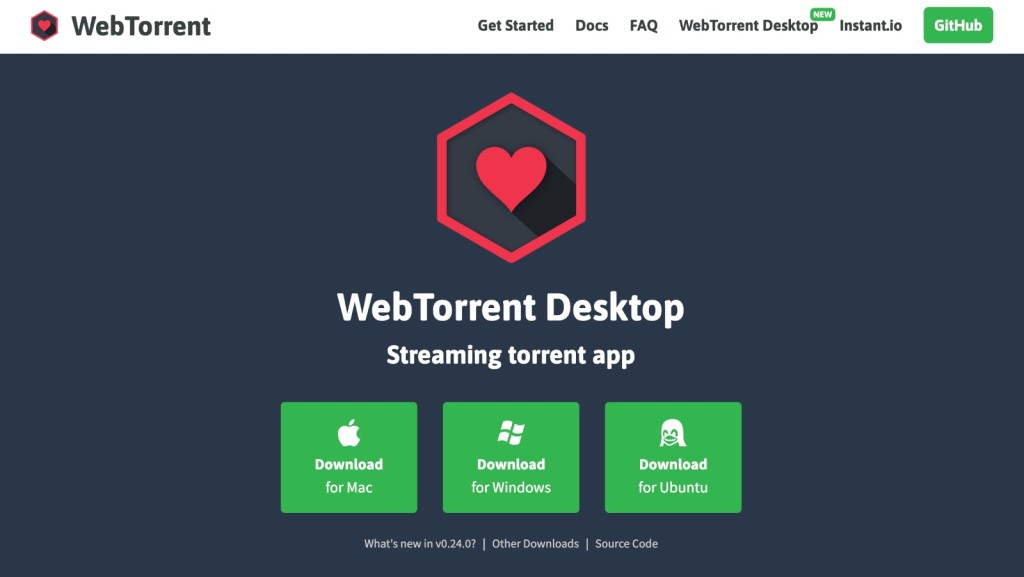
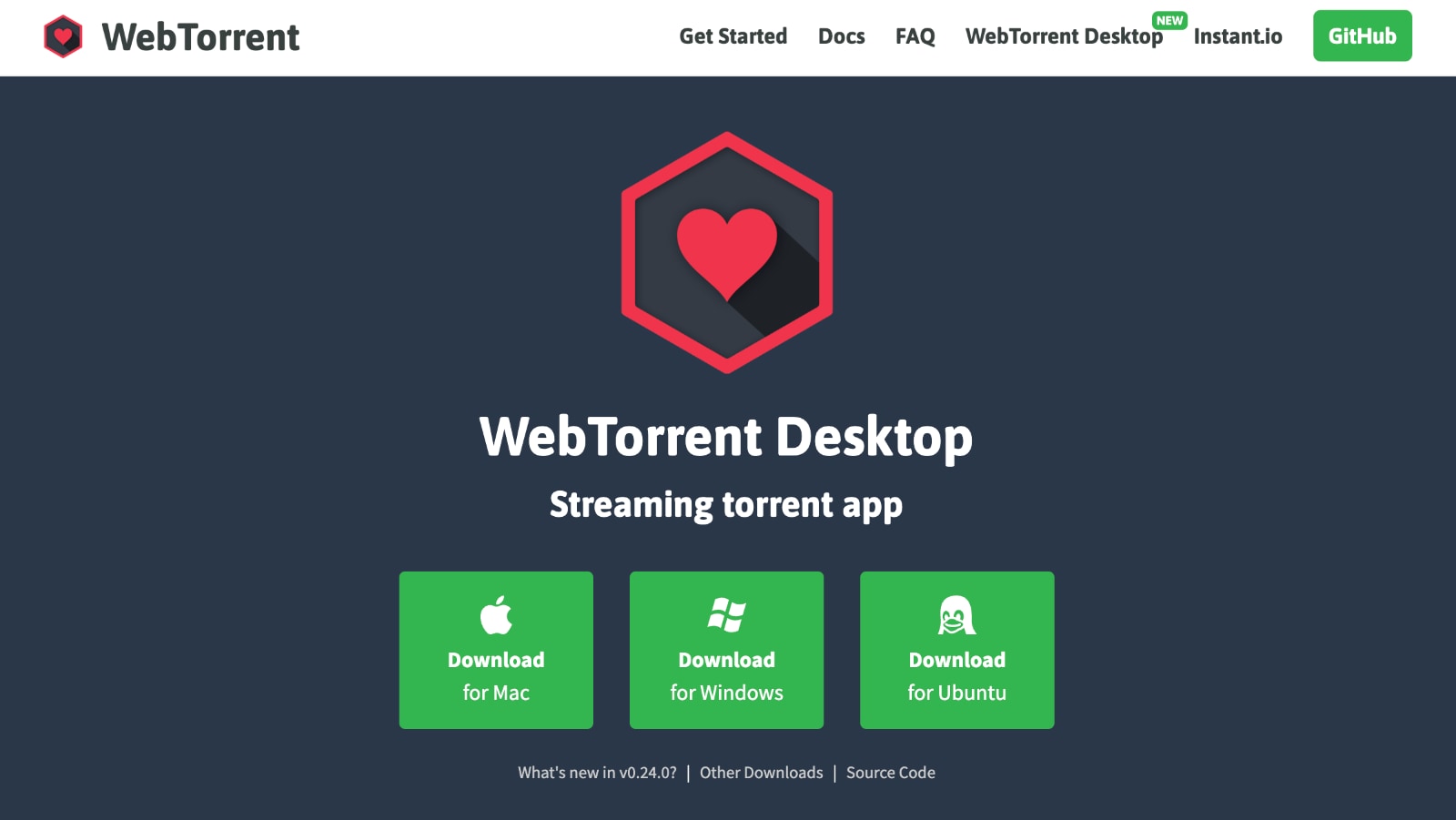
WebTorrent is a different kind of P2P client for Macintosh. Instead of downloading torrents, it streams them. What this means is that you can use it to stream movies, music, and audiobooks. In addition, you don’t have to wait for a torrent to download fully – it will start to play as soon as it becomes active.
First of all, we need to praise WebTorrent’s UI. It is very simple and minimalistic – and, therefore, fits perfectly with the MacOS’ aesthetics. Once you find a streamable torrent, you can simply drag and drop it onto the application’s UI.
Then, WebTorrent will do the rest. It will find seeders, connect to them, and start downloading. After a few seconds, you will get to see a large media player with all of the needed controls.
PROS
- Allows you to stream P2P files.
- Simple and effective user interface.
- Supports subtitles.
- Light on system resources.
CONS
- Suitable for video files only.
- No in-depth fine-tuning.
8. WizTorrent
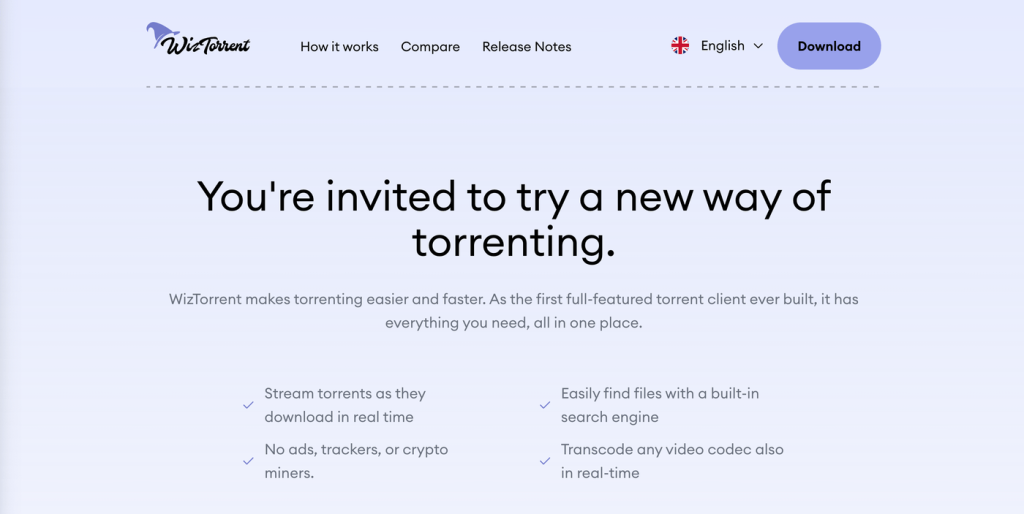
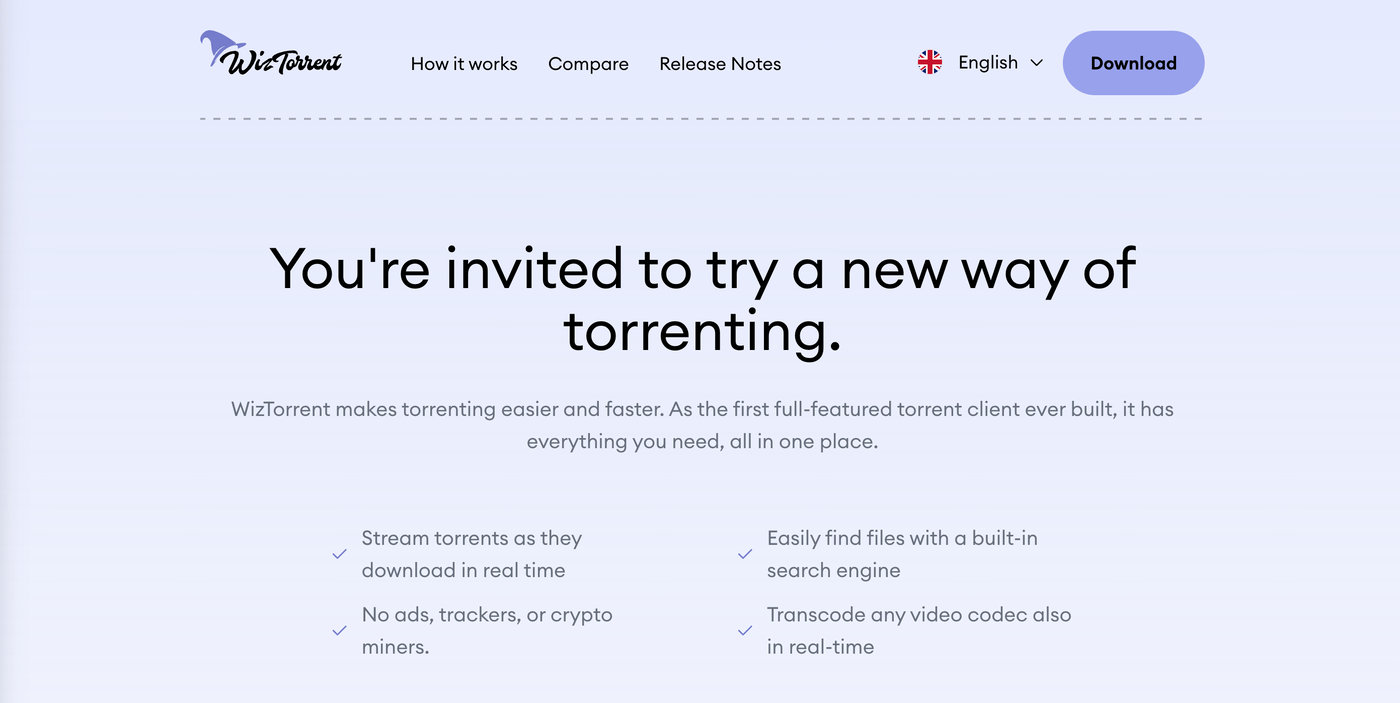
WizTorrent is a fantastic alternative to uTorrent (Web) and similar Web-based P2P Mac clients. Those clients are mostly known for their ease of use and simple features, but that's not the case with this one. WizTorrent offers a complete set of features and emphasizes video streaming with support for a massive range of video codecs.
In other words, you can stream videos (movies, TV shows) as you download them. Furthermore, you'll find a built-in search engine to look up torrent files on the web, remote torrent management, and directory management. WizTorrents also allows you to create and share torrents, as well as share any type of data in a safe way.
PROS
- Full support for video streaming.
- Massive list of P2P-friendly features.
- Highly customizable.
- Performs great overall.
CONS
- New updates don't come often.
9. BiglyBT
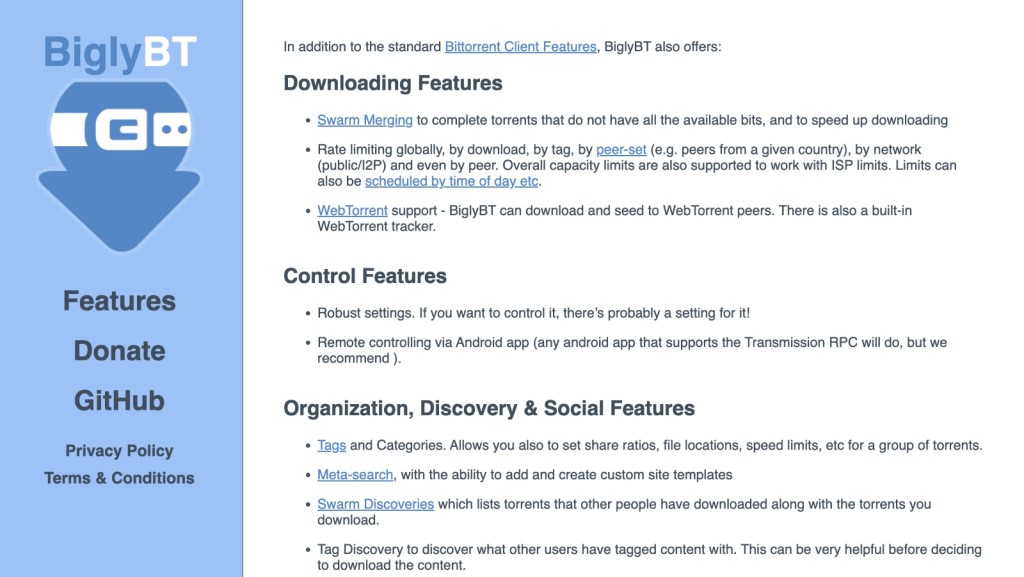
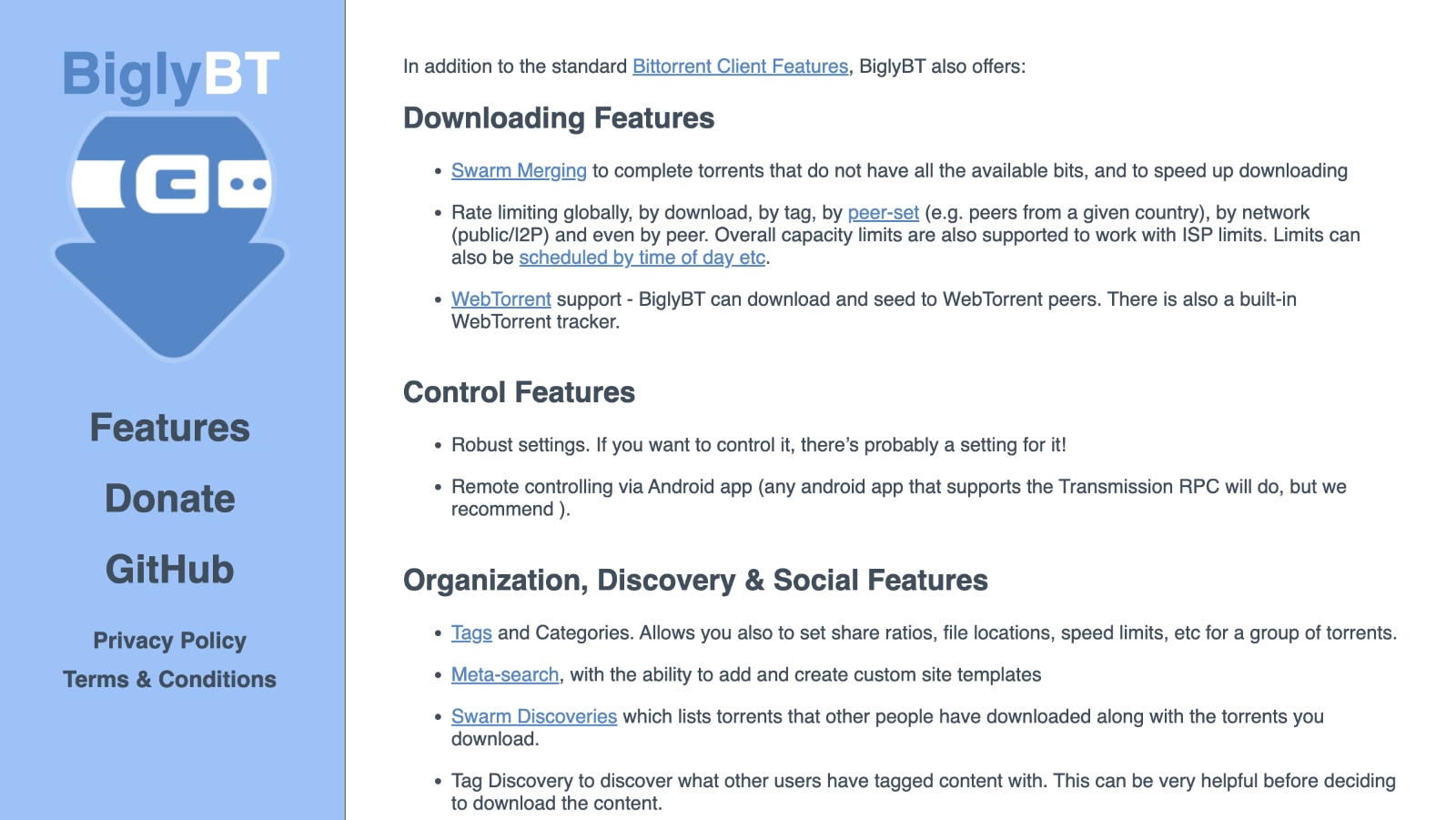
BiglyBT is an old-school P2P client with a couple of unique features. That said, it's a very capable torrent client at its core, allowing you to customize various aspects of your participation in P2P swarms. You get bandwidth customization, scheduled downloads, the ability to search for torrent files, as well as the ability to detect VPNs for better integration.
What's unique about BiglyBT is something called Swarm Merging. This feature lets you download torrents from multiple swarms, so you get faster download speeds overall. Also, you can use Swarm Discoveries, which is a social feature. It allows you to check the torrents that other people have downloaded, along with the torrents you download.
PROS
- In-depth customization.
- Swarm merging (faster downloads).
- Works with VPNs for encryption.
- Supports plug-ins.
CONS
- Somewhat hectic interface.
- Bundled software.
10. Deluge
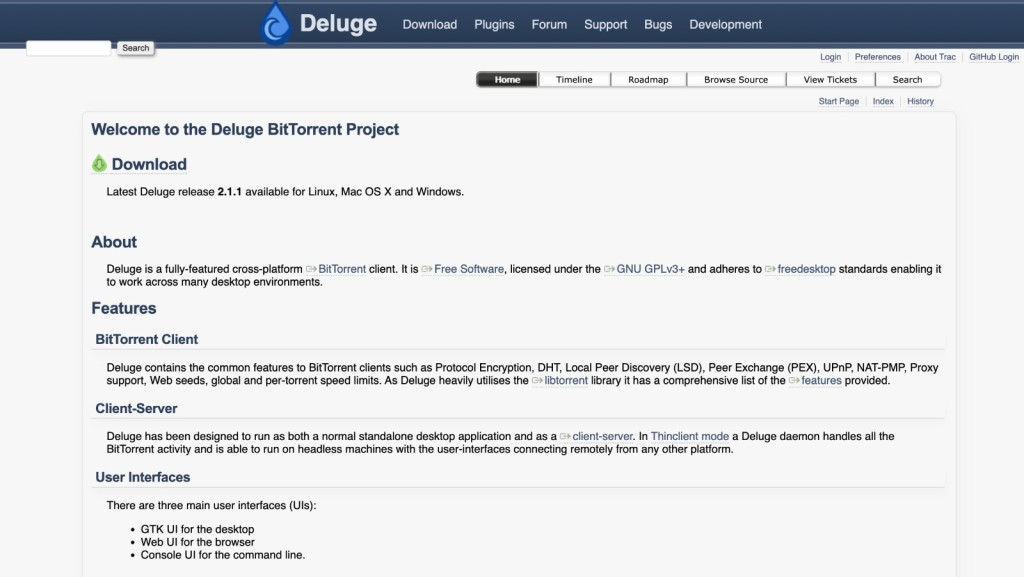
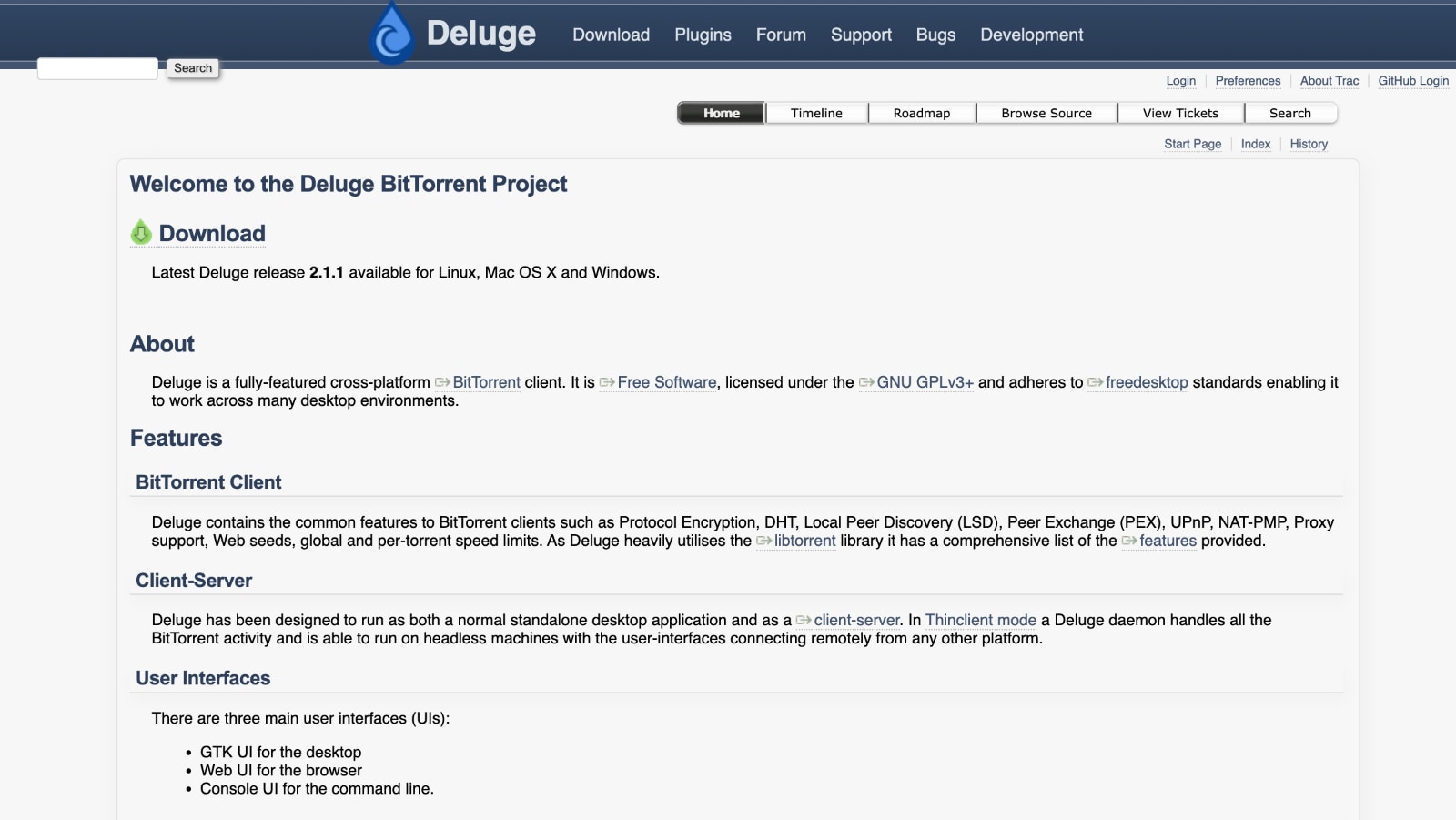
Deluge is one of the oldest applications of its kind. However, that doesn’t mean it’s outdated. In fact, it has recently received an update that brought numerous changes. Today, this is an easy-to-use torrent client that brings just about everything you’ll ever need (if you can handle its old-school UI, that is).
Aside from the standard set of options, Deluge brings options like selective downloading and prioritization, and supports magnet URLs. In addition, it also supports UPnP and NAT-PMP port mapping, which helps you download torrents as fast as you can.
This torrent client even brings support for IPv6 and proxy servers. If you can’t find the tool that you need, you can rely on a world of plugins for Deluge.
PROS
- Huge number of add-ons.
- Allows binding with a VPN.
- Scheduling and P2P file sorting.
CONS
- Updated very rarely.
- Old-school UI.
11. Vuze
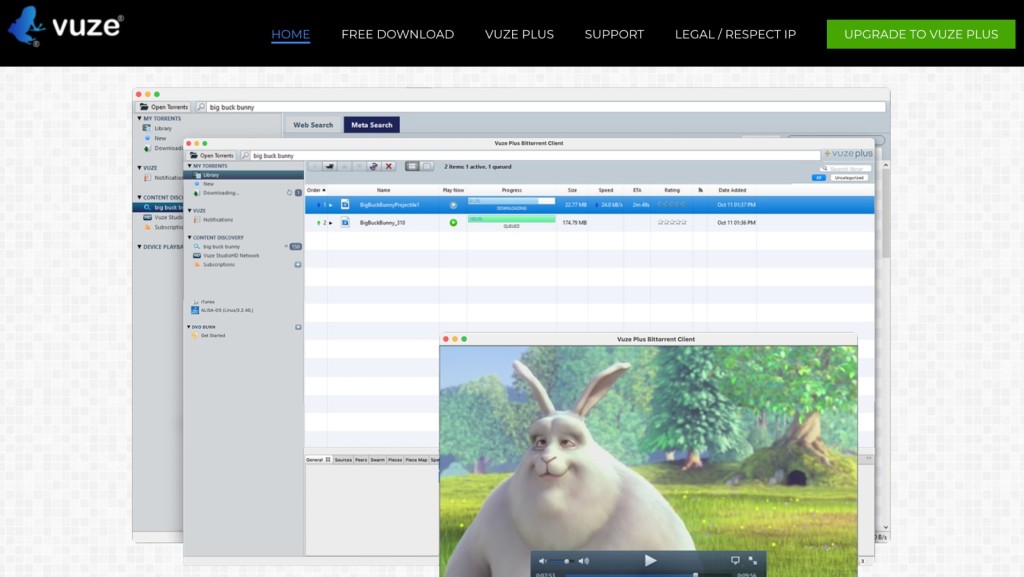
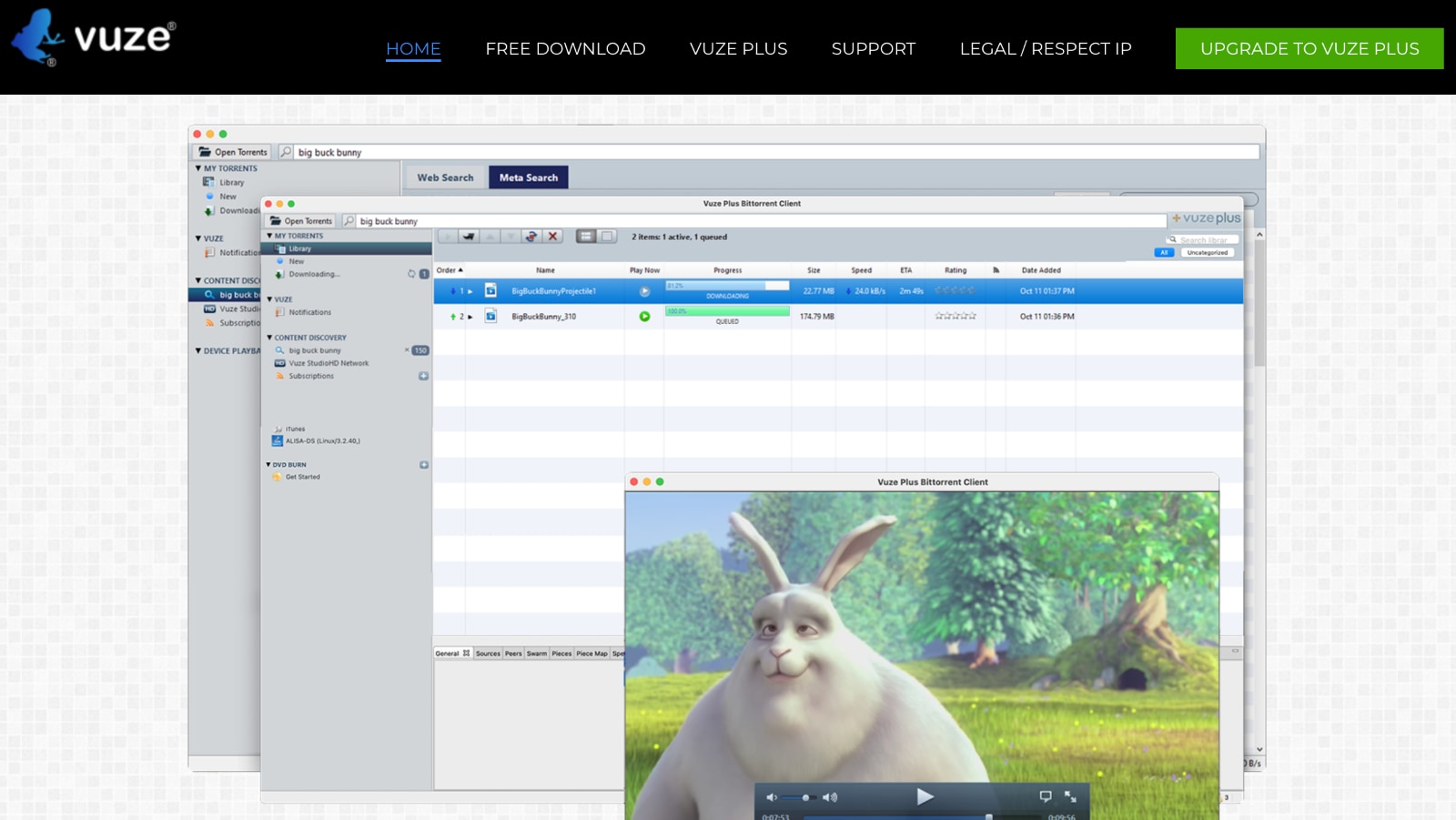
The competition between torrent clients is quite tough. That’s why Vuze is not a typical client; instead, it tries to offer everything you need to find healthy torrents and download them. It might be overly complex for inexperienced users, but experienced torrent users will feel right at home with this software.
Out of the box, Vuze comes with a search option to find torrents. You can enter a name, hash, or even a tag, and you’ll see a long list of options. Once you decide to download a torrent, it will be automatically opened in the app, and it will start to download.
And when it comes to downloading, you can count on support for all modern protocols. This includes DHT, PEX, Magnet URLs, and pretty much everything else.
PROS
- Integrates a video player.
- Built-in P2P search engine.
- Supports any type of torrent file.
- Native support for VPNs.
CONS
- Requires payment for full access.
- Comes with a learning curve.
12. BitLord
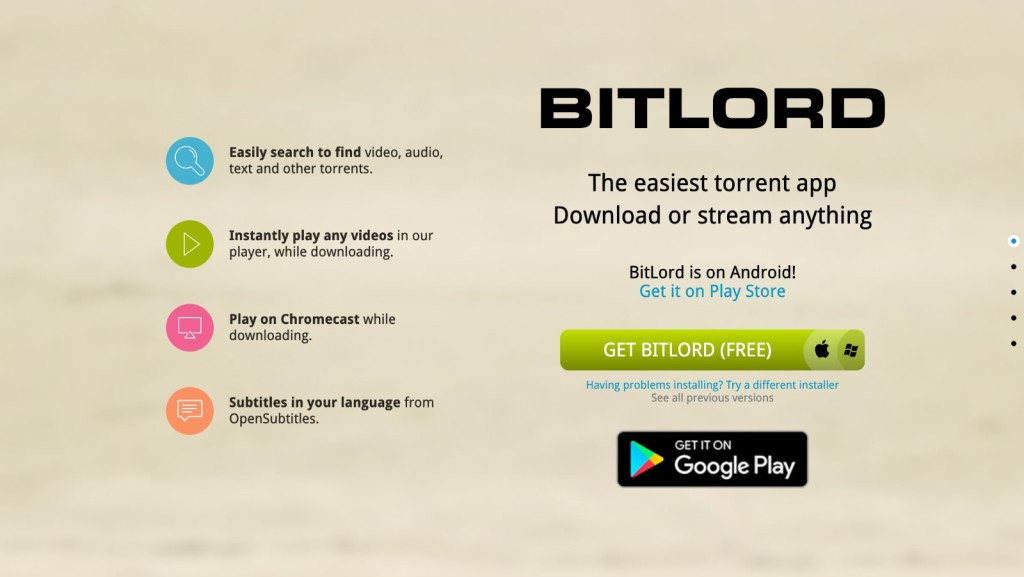
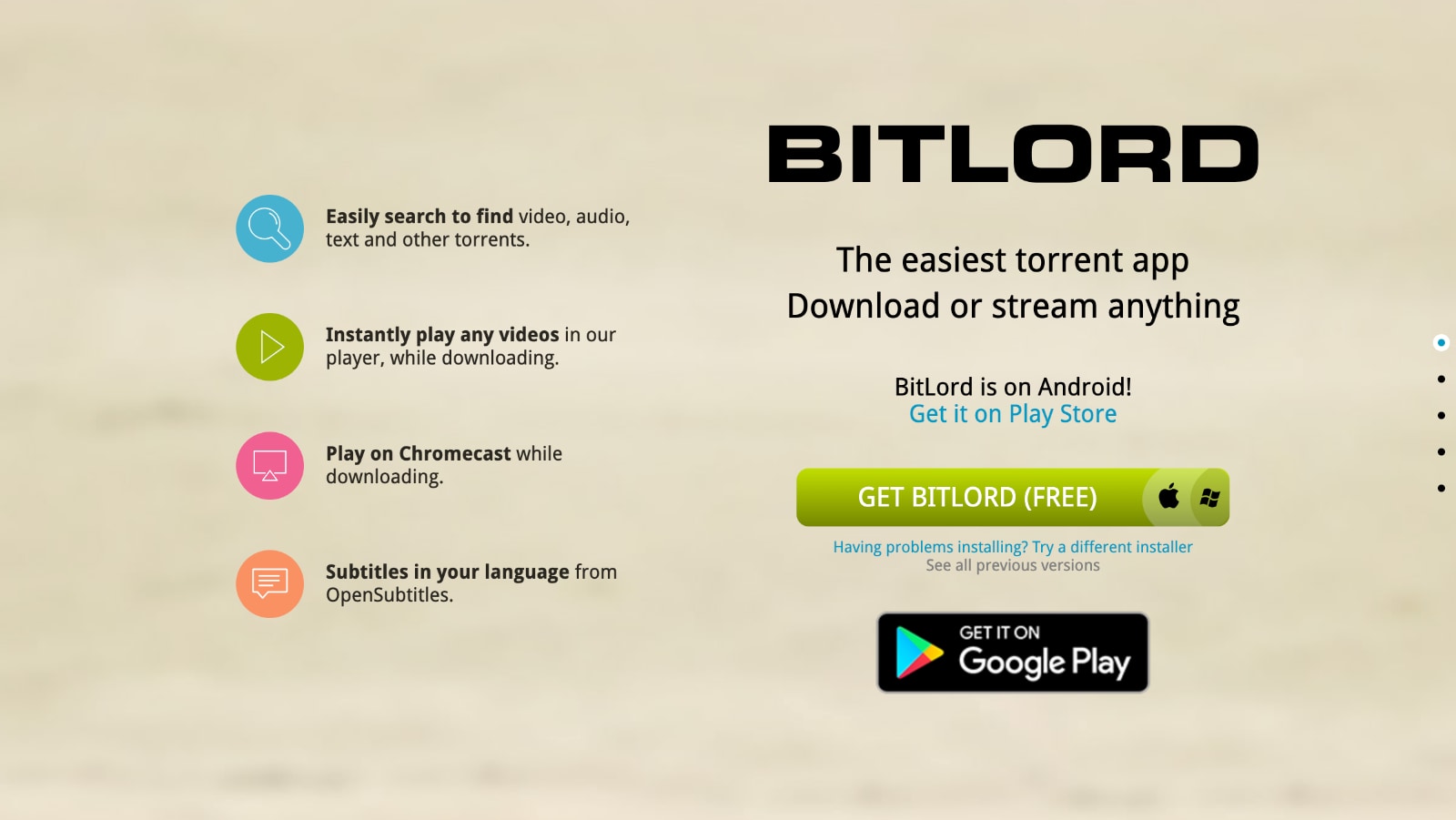
BitLord started out as a fairly simple torrent app but has grown in a big way. Today, we have an all-new version that comes as a highly optimized application. You get a built-in torrent search with type suggestions, bandwidth controls, RSS subscriptions, automatic port configuration, and plenty more.
What needs to be said is that BitLord isn't the most polished torrent downloader, at least when it comes to its UI. However, it gets the job done and has many useful features that advanced users will love. This is why we still believe that BitLord is worth your attention.
PROS
- Supports video streaming.
- Supports RSS subscriptions.
- Built-in subtitle integration.
- Built-in search engine.
CONS
- Not the most streamlined pick.
- Limited customization.
How to Safely Use a Mac Torrent Client with a VPN
You'll want to encrypt your traffic, which is done using a VPN. You need to sign up for one, download its app, and connect to a server before torrenting. These are the steps you need to take:
- Subscribe to a VPN that supports P2P traffic (we recommend NordVPN).
- Download and install the VPN software on your Mac.
- Launch the VPN software and log in using your credentials.
- Visit the app's settings and make sure your VPN's kill switch is enabled.
- Double-check if you use protocols like OpenVPN or WireGuard.
- Choose a VPN server in a safe P2P location (e.g., Switzerland, Spain, or Romania).
- Launch your Mac torrent client and start downloading torrents. That’s all!
We highly recommend using a server in Switzerland, Spain, or Romania, as those countries are lenient toward torrenting. Of course, you should also respect your country's laws and double-check each torrent file before you download it to your device.
Why Is It Important to Combine a VPN with a Torrent Client?
Combining a VPN with your chosen Mac torrent client allows you to protect your privacy, gain access to blocked torrent sites, hide your IP address, and ensure your online anonymity. Let's go over everything.
- Guard Yourself from Copyright Infringement: Pay close attention to what you download and stay on the safe side of the law. A VPN is a great precautionary measure in that sense.
- Evade Access Restrictions to Torrent Sites: Torrent sites are often blocked in many countries. You'll need a VPN to access those, done by connecting to a server in a foreign country.
- Download Torrents in Absolute Privacy: Torrenting apps connect you to other P2P users, exposing your IP address along the way. A VPN is the only way to hide your IP address.
- Safeguard Your Online Anonymity: Your ISP knows what you download. It also sees the sites you visit. To ensure your anonymity, you need the best VPN for torrenting.
- Ensure Your Online Security: Thanks to data encryption, VPNs can prevent malicious actors from streaming your data and getting to your device.
- Evade ISP Bandwidth Throttling: If your Internet provider uses selective throttling to cut its costs and preserve bandwidth, you can negate that by using a VPN.
- Torrent Safely Even on Public Wi-Fi: Most public Wi-Fi networks are designed to take advantage of your sensitive information in some way. However, a VPN plugs any security holes.
- Unblock Your Home Sites While Abroad: As you travel abroad, you'll encounter roadblocks while using torrent sites. With a VPN, you can use any site and any torrent client.
How to Pinpoint the Best Mac Torrent App?
You need to focus on finding a P2P client with native macOS support, featuring an optimized user interface and a rich set of features. Here's what you need to keep in mind:
- Full Support for macOS: Support for macOS can come in various forms. If you have an Apple silicon-powered Mac, pick a torrent client with support for M-branded chips.
- User-Centric Interface: Mac torrent clients come in different shapes and sizes. If you're a first-time user, go for a simple and fully automated application.
- Web Browser Integration: You can always use torrent search engines found on the Web to look for torrent files. However, you can also use a torrent client that has a built-in search engine.
- P2P-Specific Features: We also recommend looking for features only available in torrent software, such as bulk downloading and support for plug-ins, especially if you're an advanced user.
- Support for Magnet URLs: Magnet links typically connect faster to seeders, so you'll want support for this feature if you want to speed up your downloads.
- Download Scheduling: If you don't have an overly fast Internet connection, scheduling downloads is a great way to download files when no one is using your connection.
- Speed Control: Being able to control download and upload speeds helps you optimize your torrenting experience by prioritizing certain files over others.
- Avoid Aggressive In-App Ads: Aside from being overly aggressive, ads can also be malicious, as they can promote software that can infect your Mac with malware and spyware.
- No Bundled Software: Aside from serving ads, torrent clients also bundle extra software, which you'll want to avoid installing. Make sure that you're getting a standalone application.
Final Thoughts
In conclusion, we hope that we helped you pinpoint the best torrent client for your Mac. Remember that all of the options found above are reputable, packed with useful features, 100% safe to use, and most of them receive regular updates to enhance your P2P experience. So, make your choice based on your specific needs and preferences.
However, don't forget to protect your privacy while torrenting. Torrent clients won't hide your P2P data on their own, which means that it's essential to use a reputable P2P VPN. We highly recommend NordVPN for protecting P2P-related activities. Combining this VPN with your torrenting app will encrypt your data, hide your IP, and ensure online anonymity.
Plus, VPNs now come with malware detection and can even prevent you from visiting malicious domains, which is hugely helpful when downloading torrents. So, no matter which macOS torrent client you decide to pick, ensure that it's paired with a reliable VPN.
This is where we end our guide on choosing a suitable torrent client for your VPN. Do not forget to post a comment if you have any recommendations or questions for us. Thanks!
Related






Get expert insights on threats, breaches, scams, and security trends — delivered every Monday.
Most Popular